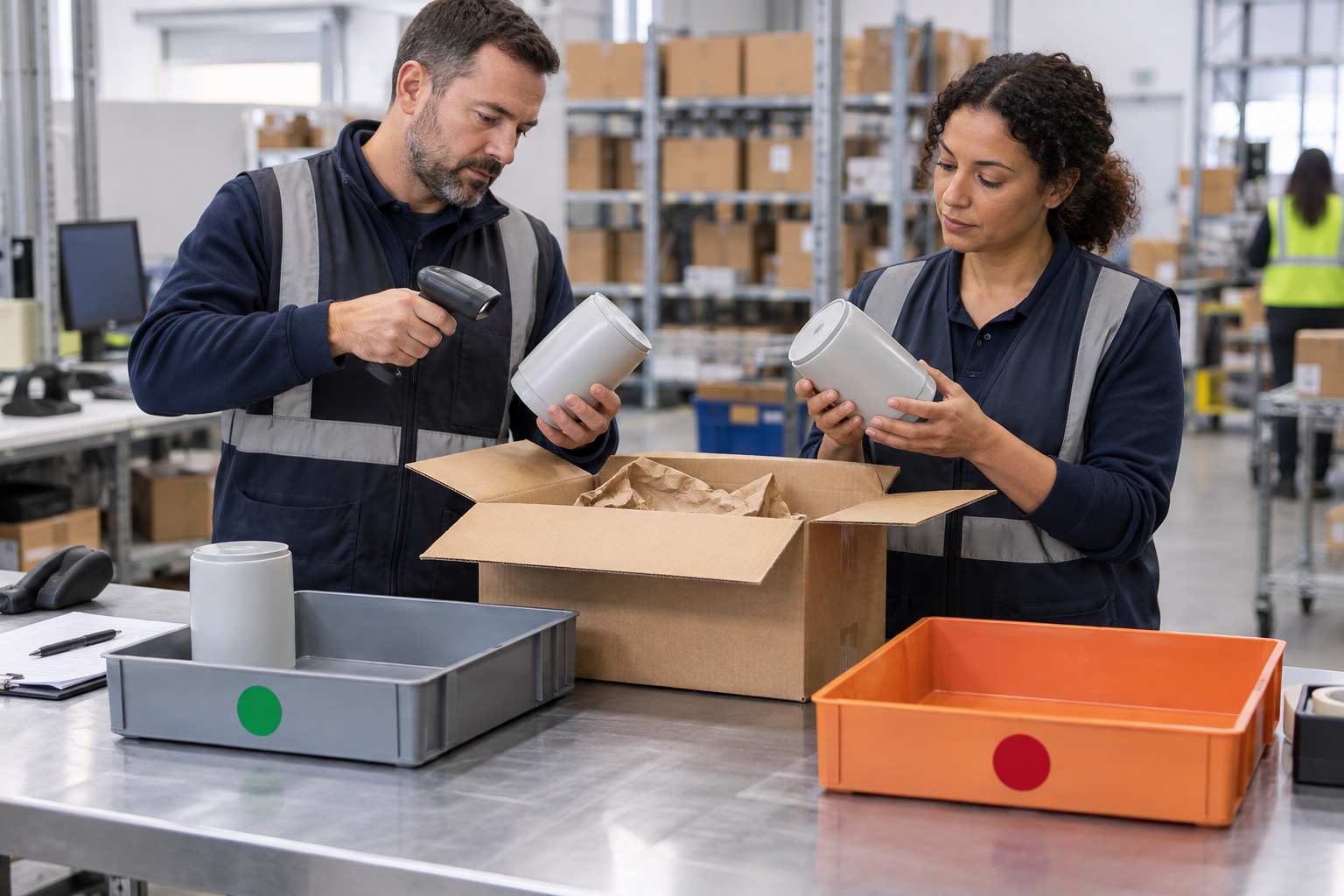
Keep the return and replacement as related but distinct records. In Versa Cloud ERP, customer service can mark an RMA line as Return Item Required. The system creates a related sales order for the return or replacement item and preserves the relationship between that sales-order line and the RMA line.
The RMA continues to explain what the customer returned and why. The related sales order moves through normal fulfillment and shipment. This avoids forcing one record to represent both an inbound return and an outbound customer commitment.
Decide the remedy before creating duplicate obligations
Confirm whether the customer is receiving a credit, refund, replacement, exchange or a combination explicitly allowed by the agreement. A replacement should not be added merely because an RMA exists, and a refund should not be issued independently if the approved outcome is replacement only.
The RMA line records the product, quantity, return reason and original sales relationship where available. Selecting Return Item Required generates the related sales order. That order uses an internal reference identifying the RMA, carries the replacement quantity and sets the related line price to zero. If the RMA quantity changes, the related order-line quantity is synchronized.
Use each record for its own operational job
| Record | Operational purpose |
|---|---|
| Original sales order | Establishes what the customer originally bought and shipped |
| RMA and RMA receipt | Records authorization, returned quantity, reason and physical receipt outcome |
| Related sales order | Holds the outbound replacement commitment and fulfillment status |
| Shipment | Confirms what replacement actually left and when |
| Related invoice or credit | Records the approved financial outcome where applicable |
The RMA page lists related sales orders, and the sales order lists related RMA repair/replacement orders. That two-way visibility gives customer service a clearer way to answer both “Did we receive the return?” and “Did the replacement ship?”
Do not let urgency bypass fulfillment control
A related replacement sales order still follows the normal sales-order and warehouse process. The team confirms the product and quantity, checks availability, allocates or produces stock as required, and records the shipment. Creating the related order is not proof that inventory is available or that the parcel has left.
A customer returns one damaged unit and needs one replacement. Customer service creates the RMA from the original sale and requests the related order. Receiving later records the returned unit, while the warehouse fulfills the zero-priced related sales order. The relationship lets the team follow both directions without waiting for one document to impersonate the other.
If policy requires receipt or inspection before release, keep the replacement order in the appropriate internal state until that condition is met. If the business offers advance replacement, record that approval clearly and retain an owner for the expected return.
Close the loop across warehouse, service and finance
Before treating the case as complete, confirm the returned quantity and disposition, the replacement shipment status and any related credit or refund. Where lots or serial numbers apply, verify that the inbound and outbound identifiers were captured in their respective transactions. A replacement may be a different serial-controlled unit, so the records should not imply that the original unit was shipped back unless that is what occurred.
For a buyer, Versa Cloud ERP provides a useful division of responsibility: the RMA preserves the inbound reason and evidence, while the related sales order controls the outbound promise. The explicit relationship supports customer follow-up and auditability without collapsing return receipt, financial approval and shipment into one status.
Ask the Versa Cloud ERP AI Advisor about replacement orders and RMA traceability